
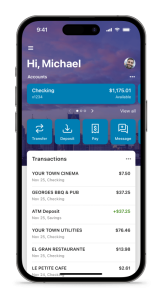
 To make a mobile deposit, log in to the MyPDCU app or online banking
Before you submit your deposit
Sign the back of the check and write “For Mobile Deposit Only at PDCU” along with your PDCU account number. Make sure the photos are clear and complete so your deposit can be processed correctly. Deposits over $2,500 will be reviewed by the credit union and may not appear in your account right away. The mobile deposit check limit is $25,000, and all deposits are subject to holds.
After you submit your deposit
Keep the original check in a secure place for 7 business days after the deposit and verify that the funds have been credited to your account. After that, mark the check “VOID” and destroy it, preferably by shredding it. If you have questions about mobile deposit, call 844-700-7328.


